

iPhone Screen Replacement Fast, Affordable Fixes for Cracked Display
January 8, 2026
Water Damaged iPhone Solutions Step-by-Step Guide to Fix It
January 10, 2026iPhone Overheating Issues Causes, Warning Signs, and Proven Fixes
iPhone overheating issues are more common than many users realize, especially with heavy daily usage. When your iPhone gets unusually hot, it’s not just uncomfortable—it can affect performance and battery health. Overheating can happen due to software bugs, background apps, charging habits, or environmental factors. Ignoring the warning signs may lead to sudden shutdowns or long-term internal damage. Apple designs iPhones to manage heat efficiently, but certain conditions can push them beyond safe limits. From gaming and video streaming to GPS usage, many everyday activities contribute to rising temperatures. Understanding the causes is the first step toward prevention. In this guide, we’ll break down the main reasons behind iPhone overheating issues. You’ll also learn proven fixes to keep your device cool, fast, and reliable.
What Causes iPhone Overheating?
When your iPhone gets hot, it is usually because it is working hard. Just like people get warm during exercise, phones heat up during heavy tasks. These causes fall into two main groups: internal factors and external factors.
Internal Factors: The Busy Bee Inside Your Phone
Inside your iPhone, many parts work together. Some of them produce heat naturally.
The Processor (The Brain)
The processor handles apps, games, and system tasks. When you play games, edit videos, or use many apps at once, the processor works harder. This extra effort creates heat and may lead to iPhone overheating.
The Battery (The Heart)
The battery powers every part of your phone. Charging causes a chemical reaction that produces heat. Heavy usage while charging increases heat even more. This is a common reason for battery overheating.
The GPU (The Artist)
The GPU manages graphics on your screen. Watching HD videos, gaming, or using visual apps pushes the GPU to work harder. More work means more heat.
External Factors: The World Around Your Phone
Your surroundings matter just as much as what is inside your phone.
Direct Sunlight
Leaving your iPhone in direct sunlight can quickly raise its temperature. This is dangerous for the battery.
Hot Weather
High outdoor temperatures make it harder for your phone to cool itself. This is especially noticeable during hot Canadian summers.
Poor Ventilation
Placing your phone under pillows, blankets, or inside thick cases traps heat. Good airflow helps prevent iPhone overheating.
Is Overheating Normal for iPhones?
Yes and no. Some warmth is normal. Long video calls, gaming, or GPS use can make your phone warm. Apple designs iPhones to handle this safely.
However, overheating becomes a problem when the phone is too hot to hold, shows an iPhone overheating warning, or shuts down. If simple tasks cause heat, it may signal a deeper iPhone overheating problem.
The Hidden Dangers of Overheating
Excess heat can harm your iPhone over time.
First, heat damages battery health. It reduces battery capacity and causes faster drain. In extreme cases, the battery may suffer permanent damage.
Second, overheating affects performance. Your phone may slow down, dim the screen, or lag. This process is called thermal throttling.
Third, safety risks exist. While rare, lithium-ion batteries can be dangerous if exposed to extreme heat. That is why Apple includes shutdown and warning features.
How to Identify Overheating Early?
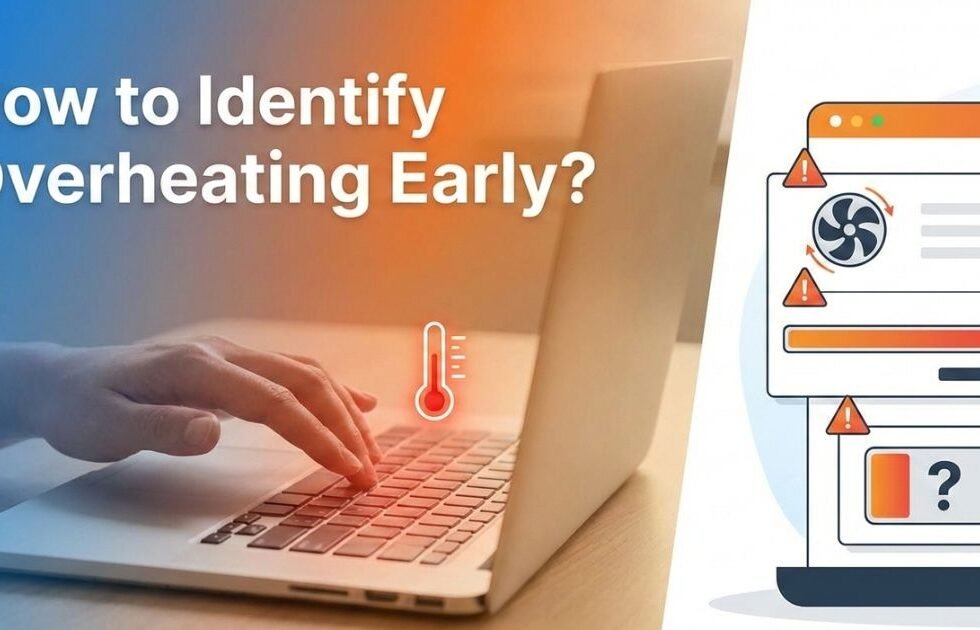
Watch for these warning signs:
- The phone feels very hot
- Screen dims or turns black
- iPhone overheating warning appears
- Camera flash is disabled
- Apps lag or crash
- Charging slows or stops
Early action helps prevent long-term damage.
Quick Fixes for an Overheating iPhone
If your iPhone overheats, follow these steps:
- Stop using the phone immediately
- Move it to a cooler place
- Remove the phone case
- Turn on Airplane Mode
- Turn off the device for a few minutes
Never place your phone in a freezer. Sudden temperature changes can damage internal parts.
Long-Term Solutions to Prevent Overheating
Good habits reduce iPhone overheating:
- Limit heavy apps and background activity
- Avoid heavy use while charging
- Unplug once fully charged
- Use ventilated phone cases
- Keep iOS software updated
Apple updates often improve efficiency and heat control.
Unique Challenges for Canadian iPhone Users
Canada’s climate creates special challenges. Summer heat increases overheating risk, especially in cars or outdoor use. Winter cold drains batteries and causes shutdowns.
Let your phone adjust gradually when moving between cold and warm environments. Avoid heaters or hair dryers.
What Should You Do If Your iPhone Keeps Overheating?
If overheating continues, you may have a hardware issue. A faulty battery is often the cause.
At this point, an iPhone overheating repair may be necessary. A certified repair center can run an iPhone diagnostics test to find the problem and fix it safely.
Lesser-Known Tips to Keep Your iPhone Cool
- Lower screen brightness
- Use Apple-certified chargers
- Clean charging ports and speakers
These small steps help control temperature.
Conclusion
iPhone overheating issues shouldn’t be ignored, as they can impact both performance and device lifespan. While occasional warmth is normal, frequent overheating signals an underlying problem. Simple changes like managing apps, updating iOS, and avoiding extreme temperatures can make a big difference. Using certified chargers and monitoring battery health also helps prevent heat buildup. If overheating continues despite basic fixes, professional inspection may be necessary. By staying proactive, you can protect your iPhone, improve performance, and enjoy a smoother user experience every day.
Lorem ipsum dolor sit amet, consectetur adipiscing elit. Ut elit tellus, luctus nec ullamcorper mattis, pulvinar dapibus leo.
FAQs
Your iPhone may overheat during normal use due to background apps running continuously, outdated software, or high screen brightness. Activities like video streaming, gaming, or navigation apps put extra pressure on the processor. Poor network signals also force the phone to work harder, generating more heat. Charging while using the phone can further raise temperatures. Identifying which apps or habits cause the heat is key to solving the problem.
Yes, charging is one of the most common causes of iPhone overheating issues. Using non-certified or damaged chargers can generate excess heat. Wireless charging may also cause warmth, especially if the phone case traps heat. Charging in hot environments worsens the issue. To reduce risk, always use Apple-certified chargers and avoid using your iPhone heavily while it’s charging.
Excessive heat can significantly damage your iPhone’s battery over time. High temperatures reduce battery capacity and speed up battery aging. Repeated overheating may lead to faster battery drain or unexpected shutdowns. In extreme cases, it can even cause battery swelling. Keeping your iPhone within safe temperature limits helps maintain long-term battery health.
To cool down your iPhone, stop using it immediately and remove it from charging. Close background apps and move the device to a cooler, shaded area. Remove thick cases that trap heat and turn on Airplane Mode temporarily. Avoid placing your iPhone in a refrigerator, as sudden temperature changes can cause internal damage. Let the device cool naturally for best results.
If your iPhone overheats frequently even during light use, it may indicate hardware issues. Faulty batteries, damaged internal components, or logic board problems can cause persistent heat. Software resets and updates may not fix these deeper issues. In such cases, a professional technician can diagnose the root cause. Early repair can prevent further damage and costly replacements.
