

Cell Phone Repair Victoria Same-Day iPhone & Android Fixes
January 26, 2026
Cell Phone Repair in St Albert Quick, Reliable & Affordable Service
January 28, 2026Phone Charging Issues Explained Causes, Fixes, and Expert Tips
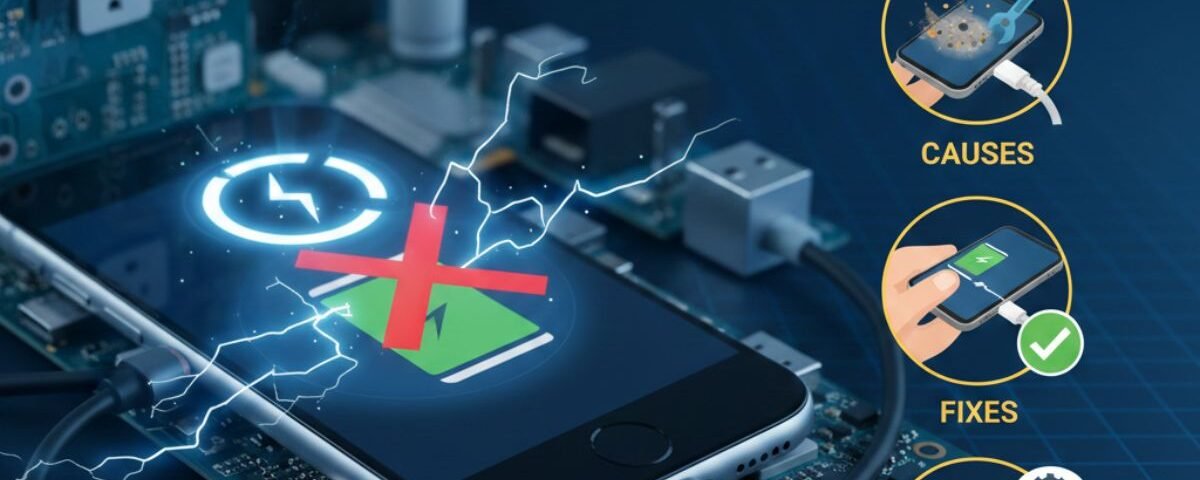
Experiencing a phone charging issue can be frustrating, especially when you rely on your device for work, communication, and entertainment. Many people immediately blame the battery, but the problem often lies elsewhere, such as the charging port, cable, adapter, or software settings. Environmental factors like temperature and moisture can also interfere with proper charging. Understanding the root cause of your phone charging problem helps prevent unnecessary repairs. In this guide, we’ll explore the most common causes, provide practical fixes, and offer expert tips to keep your phone powered. By following these steps, you can often restore charging functionality quickly. Avoid panic, as many phone charging issues are easy to solve at home. With careful troubleshooting, your device can stay reliable and efficient.
Table of Contents
ToggleQuick Fixes for Common Problems
Before we dive deep, let’s try a few quick fixes. These simple steps solve the problem more often than you might think. They can save you a lot of time and worry.
Restarting Your Phone: The Simplest Solution
It sounds almost too easy, but restarting your phone is often the magic trick that fixes everything. Sometimes, a small software glitch can stop your phone from charging properly. A quick reboot shuts down all background processes and gives your phone a fresh start.
Hold down the power button and restart your device. Once it powers back on, plug it in again. If it starts charging, you’ve solved the problem with one button! If not, don’t worry. Move on to the next step.
Testing Your Charger and Cable
Your charger and cable are the dynamic duo of power. But they can get worn out over time. They get twisted, pulled, stepped on, and stuffed into bags. All that wear can cause charging cable issues.
Check your charging cable. Do you see any frayed wires or bends? Even small damage can stop it from working. Next, check the charging block. Look for bent prongs or damage.
The easiest test is to try a different set. Borrow a charger and cable from a friend or family. If your phone starts charging with it, you found the problem. Likely a defective charger or broken cable.
Cleaning Your Charging Port in 3 Easy Steps
Your phone’s charging port is a tiny magnet for dust, lint, and pocket gunk. Over time, debris blocks the metal contacts, stopping a solid connection. It’s a common reason why won’t my phone charge, but it’s easy to fix.
- Power Off Your Phone: Turn it completely off to avoid damage.
- Gently Dislodge Debris: Use a small non-metal tool like a toothpick. Scrape gently inside to loosen dirt. Be careful not to damage the pins.
- Blow it Out: Use compressed air or a strong puff of breath to remove debris.
Turn your phone back on and try charging again. You might be surprised at how well it works!
In-Depth Troubleshooting
If the quick fixes didn’t work, it’s time to dig deeper. Here are the main causes of phone charging problems.
Cables and Chargers
Not all cables and chargers are equal. Using the wrong ones can fail to charge your phone and even damage it.
How to Spot a Faulty Cable or Charger
A faulty cable or charger is not always visible. A wire inside might be loose. You may notice it works only at a certain angle or disconnects repeatedly. A defective charger may feel hot or buzz. Replace it if you suspect a problem.
The Risks of Using Counterfeit Accessories
Cheap chargers may lack safety features. This can cause overheating, short-circuits, or permanent battery damage. Always use the charger that came with your phone or a certified one from a trusted brand.
Charging Port Issues
If your charging port is clean but still causing problems, there may be a physical issue.
How to Fix a Loose Charging Port
Does your cable feel wobbly? A loose charging port causes intermittent charging. Tiny metal pins inside may bend.
You can try to fix it carefully. Power off the phone. Use a small tool like a SIM ejector or needle to gently adjust the pins. If unsure, see a professional to avoid making it worse.
Tools You Can Use to Clean Your Port Safely
Besides a toothpick, a soft toothbrush works well for cleaning the USB port. Soft bristles sweep out dust without damage. Never use wet or metallic tools.
Battery Health
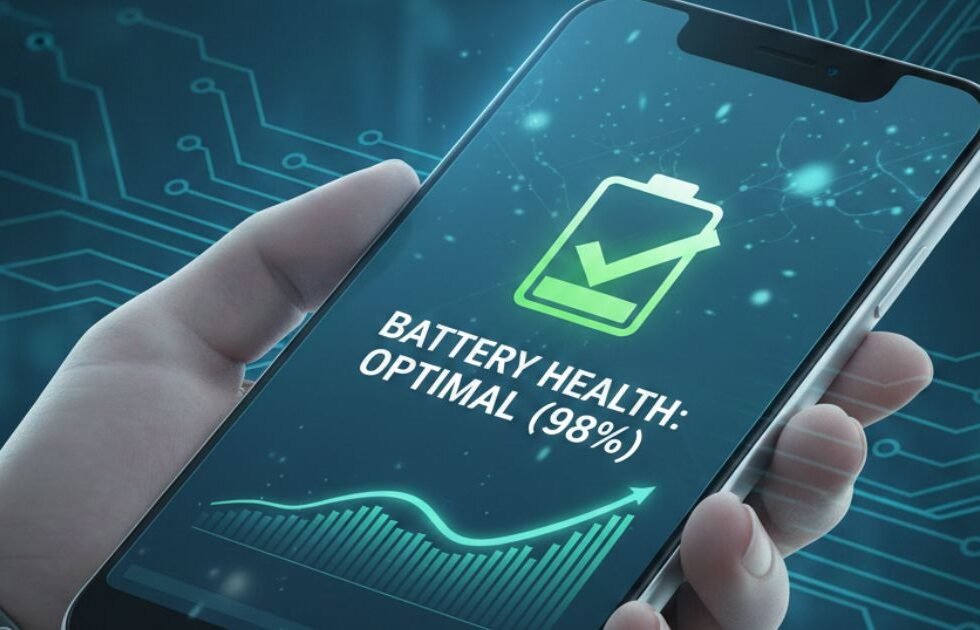
Your phone’s battery does not last forever. Over time, it holds less charge. This is a common reason for won’t my phone charge properly, especially on older phones.
How to Check Battery Health
- iPhone: Settings > Battery > Battery Health & Charging. If Maximum Capacity is below 80%, replace the battery.
- Android: Settings > Battery, or use apps like AccuBattery.
Why Your Battery Drains Fast
A fast-draining battery could mean it’s failing. It could also be caused by apps running in the background, high screen brightness, or poor signal. Check battery usage in settings to find power-hogging apps.
Software and Settings
Sometimes, the problem is software, not hardware.
How to Enable Fast Charging
Many modern phones support fast charging, but it may need enabling. Check settings for “Fast Charging” or “Adaptive Fast Charging.” Use a compatible fast-charging block and cable for the best results.
Updating Your Phone’s Software
Software updates fix bugs and improve performance. Check for updates in Settings > General > Software Update (iPhone) or Settings > System Update (Android).
Environmental Factors
Believe it or not, temperature affects charging performance.
Charging Safely in Extreme Weather
Phones stop charging in extreme heat or cold. If it overheats, unplug it and move to a cooler place. Remove the case to cool faster. In cold weather, keep your phone warm before charging.
Wireless Charging Problems
Why Wireless Charging May Not Work
The most common issue is alignment. Your phone’s charging coil must line up with the pad. Thick cases can block it. Restarting sometimes fixes wireless charging issues.
How to Align Your Phone
Move the phone on the pad until the indicator shows charging. Most chargers have a “sweet spot” in the center.
Unique Scenarios and Solutions
- Slow Charging: Could be a low-power source, damaged cable, or old battery. Use a high-power wall adapter.
- Water Damage: Turn off the phone immediately. Do not plug in. Let it dry at least 48 hours.
- Intermittent Charging: Likely a loose cable or dirty charging port. Clean or replace as needed.
Preventative Measures
- Protect Your Accessories: Don’t yank cables, don’t wrap tightly. Coil loosely while traveling.
- Avoid Overcharging: Modern phones stop at 100%. Keep battery between 20–80% for long-term health.
- Clean Ports Regularly: Clean charging ports every few months to avoid debris buildup.
Conclusion
Not all phone charging issues require professional repair or a new battery. Many problems are caused by simple, fixable factors like faulty cables, dirty charging ports, or minor software glitches. Regular maintenance, careful use of chargers, and monitoring battery health can prevent future problems. If troubleshooting does not work, certified technicians can safely diagnose and repair deeper hardware issues. Staying proactive ensures your phone remains reliable, extends battery lifespan, and saves time and money in the long run.
FAQs
A phone charging issue can be caused by multiple factors. Common culprits include damaged cables, worn-out chargers, dirty or loose charging ports, and software glitches. Environmental conditions, like extreme heat or cold, can also impact charging efficiency. Testing with another charger or cable can help identify if the problem is with your accessories. If the phone still won’t charge, professional inspection might be necessary to rule out hardware issues.
A dirty charging port is a frequent reason for phone charging problems. Turn off your device first to prevent accidental short circuits. Use a wooden toothpick, soft brush, or compressed air to remove dust, lint, and debris gently. Avoid metal objects or liquids. After cleaning, plug in your charger to see if the issue is resolved. Regular cleaning can prevent long-term damage and improve charging performance.
Yes, an aging or failing battery is a common reason for slow or intermittent charging. Over time, batteries lose capacity and efficiency, especially if exposed to heat, overcharging, or frequent heavy usage. Checking battery health on iPhone or Android devices can confirm whether replacement is needed. If the battery is the problem, replacing it is often the most effective solution for restoring normal charging behavior.
Slow charging may result from low-power sources, such as USB ports on computers, damaged cables, or outdated software. Using the wrong charger or cable, or a battery nearing the end of its lifespan, can also reduce charging speed. Enabling fast charging settings (if available) and using certified accessories can improve performance. Monitoring apps running in the background or screen brightness may also help increase charging efficiency.
Professional repair is recommended if basic troubleshooting fails. Signs you need expert help include a loose or damaged charging port, intermittent charging, overheating, or water damage. Certified technicians can safely inspect and repair internal hardware, replace worn-out batteries, or fix port issues. Acting early can prevent further damage and costly repairs, ensuring your phone remains safe and reliable.

1 Comment
[…] 3–14: Corrosion spreads along circuit traces. This is the window where phones that charged fine “last night” suddenly won’t turn on the next […]