
iPhone Water Damage: Symptoms, Repair Options, and Costs
December 31, 2025
Technicians Explain How to Handle iPhone Water Damage
January 5, 2026iPhone Fast Charging vs Regular Charging Which One Is Better for Your Battery?
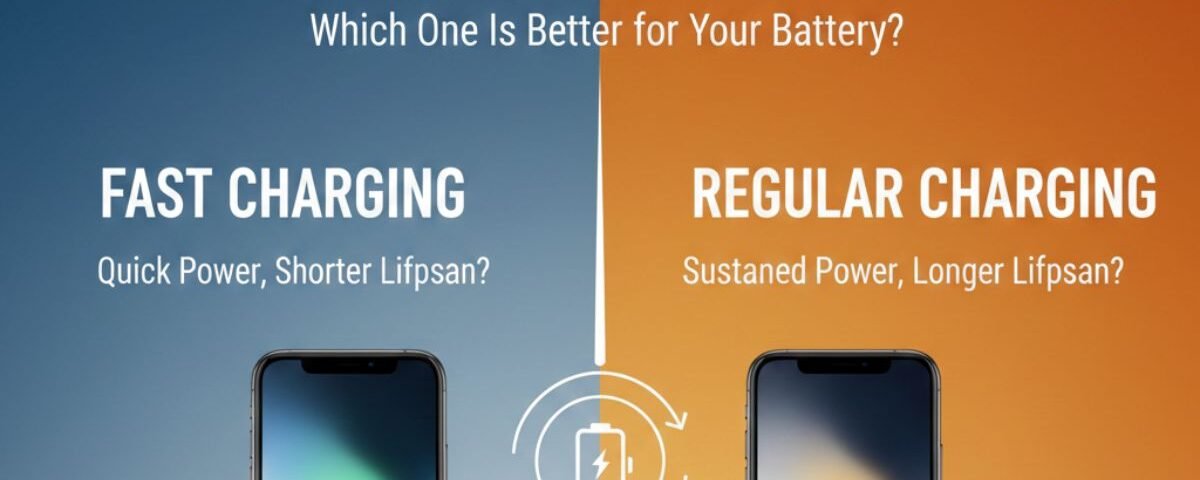
Charging habits play a big role in maintaining your iPhone’s battery health, and many users wonder whether fast charging is better or worse than regular charging. Apple supports fast charging on modern iPhones, but concerns about heat, battery lifespan, and long-term performance still exist. Regular charging, on the other hand, is slower and often considered safer by cautious users. Understanding how both charging methods work helps you make smarter decisions for daily use. Battery chemistry, charging speed, and temperature all affect battery degradation over time. Choosing the right charging method depends on your usage patterns and lifestyle. Some users need speed, while others prioritize battery longevity. This comparison will help you understand the real impact of fast charging versus regular charging. By the end, you’ll know which option is better for your iPhone’s battery health.
What’s the Real Difference Between Fast and Regular Charging?
Think of charging like filling a bucket with water. A small hose fills it slowly. A large hose fills it fast. Both work, but one saves time. That is the main difference between regular charging and fast charging.
Regular Charging (Standard 5W): The Slow and Steady Approach
For many years, iPhones came with a 5W charger. This is called regular charging or standard charging. It delivers power at a slow and steady rate.
This method is reliable, but it is slow. Charging a modern iPhone from zero to full can take 3 hours or more with a 5W charger. It works best when time is not an issue.
Fast Charging: The High-Speed Power-Up
Fast charging uses USB Power Delivery (USB‑PD) to send more power to your iPhone. Instead of 5 watts, fast chargers usually start at 20W.
With iPhone fast charging, your phone can reach 50% battery in about 30 minutes. This makes a huge difference when you are in a hurry. The performance gap between a 5W charger and a 20W charger is very noticeable.
Charging Speed: A Quick Comparison
5W Regular Charging
- Around 1.5 hours to reach 50%
- Over 3 hours to reach 100%
20W Fast Charging
- About 30 minutes to reach 50%
- Under 2 hours to reach 100%
Fast charging delivers the biggest benefit during the first half of the charge.
The Fast Charging Checklist: What You Actually Need
To use iPhone fast charging, you need three things.
The Right Power Adapter
You need a USB‑C power adapter that supports USB Power Delivery. The adapter should be 20W or higher. Older 5W adapters cannot support fast charging.
The Right Cable
The cable must support higher power.
- iPhone 14 and earlier: USB‑C to Lightning cable
- iPhone 15 and later: USB‑C to USB‑C cable
Always use a high‑quality certified cable for safety and speed.
A Compatible iPhone Model
All iPhone 8 and newer models support fast charging. If your iPhone was released in 2017 or later, fast charging will work.
Does Fast Charging Damage iPhone Battery Health?
This is a common concern. Many users worry that fast charging reduces iPhone battery health.
The answer is no, when done correctly. iPhones use smart battery management systems to control power flow.
Here is how it works:
- Fast phase: Charging is fastest from 0% to about 80%
- Slow phase: Charging slows down after 80% to protect the battery
This process limits heat, which is the main cause of battery wear. Apple also uses Optimized Battery Charging to reduce stress when charging overnight.
Beyond the Basics: Advanced Charging Methods
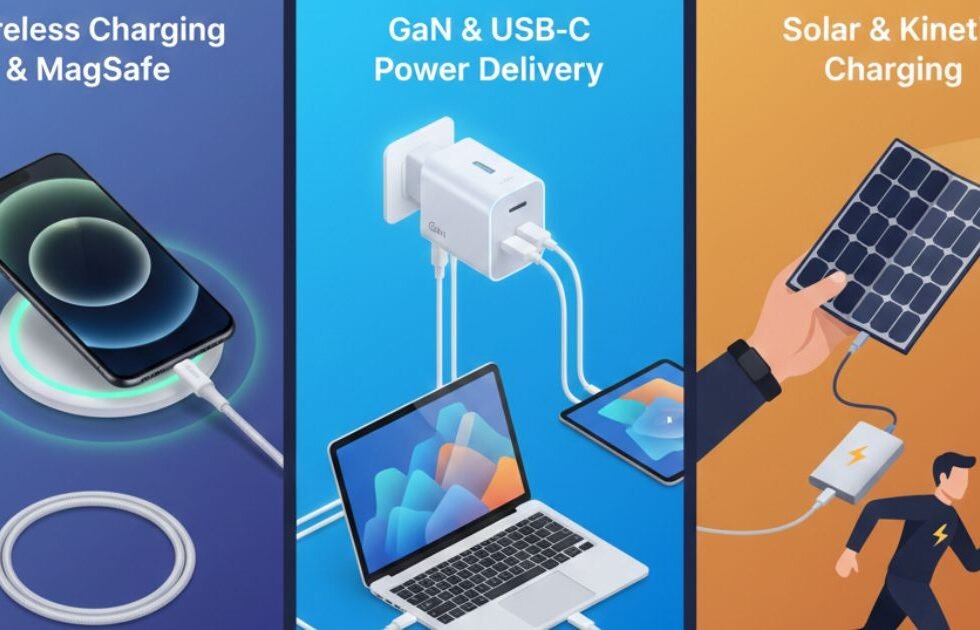
Charging is not limited to cables. Wireless charging adds convenience.
Wireless Charging Explained
Wireless charging uses magnetic fields to transfer power.
- Qi wireless charging: Up to 7.5W on iPhones
- MagSafe and Qi2: Up to 15W with magnetic alignment
MagSafe improves efficiency and reduces energy loss compared to standard Qi charging.
Wired vs Wireless Charging: Which Is Better?
- For speed: Wired iPhone fast charging is fastest
- For convenience: Wireless charging is easier
- For battery health: Both are safe, but cooler charging is better
Wireless charging can generate more heat, so airflow matters.
Decoding Your iPhone’s Charging Signals
Your iPhone provides clues about charging speed.
How to Tell If iPhone Fast Charging Is Working
There is no pop‑up alert. The best sign is speed. If your battery jumps 20–30% in 15 minutes, fast charging is active.
Understanding On‑Screen Messages
- Slow Charger: The adapter is low power
- Incompatible Charger: The charger is unsafe or uncertified
Stop using incompatible chargers immediately.
The 80% Charging Rule
Charging slows after 80% to protect long‑term battery health. This behavior is normal and intentional.
Maximizing Your Charge: Tips for iPhone Users in Canada
Climate affects charging.
- Avoid heat: Do not charge in direct sunlight
- Avoid cold: Let the phone warm up before charging
Extreme temperatures reduce charging efficiency.
The Vampire Drain Problem
Using your iPhone while charging slows power intake. Games and video streaming consume energy quickly. For the fastest charge, let the phone rest.
Choosing Third‑Party Chargers
Third‑party chargers are safe if they are MFi certified. MFi means Made for iPhone and meets Apple safety standards.
Avoid cheap, uncertified
Conclusion
Both fast charging and regular charging have their own advantages, depending on how you use your iPhone. Fast charging is ideal when you need quick power in a short amount of time, especially during busy days. Regular charging is gentler on the battery and may help reduce long-term wear. Apple’s optimized battery charging feature helps minimize damage from fast charging by managing power flow intelligently. Heat remains the biggest factor affecting battery health, regardless of charging speed. Using certified chargers and avoiding extreme temperatures is more important than choosing one method over the other. In the end, a balanced approach gives you both convenience and better battery longevity.
FAQs
Fast charging does not directly damage your iPhone battery when using Apple-certified or trusted chargers. Apple designs its batteries to handle higher wattage safely. However, fast charging generates more heat, which can contribute to gradual battery wear over time. iPhones automatically slow charging once the battery reaches around 80% to reduce stress. Occasional fast charging is perfectly safe for most users. Consistent exposure to heat, not speed alone, is the real concern.
Regular charging produces less heat compared to fast charging, which can help preserve battery health over time. Lower temperatures reduce chemical aging inside the lithium-ion battery. For users who charge overnight or don’t need quick top-ups, regular charging is a safer choice. It puts less strain on the battery cells. While the difference isn’t dramatic, long-term users may notice slower battery degradation. Consistency and temperature control matter most.
Yes, you can use fast charging daily without immediate harm if you use certified chargers and cables. Apple’s battery management system limits power automatically to protect the battery. However, daily fast charging may slightly accelerate battery aging compared to slower charging. This effect is usually noticeable only after long periods of heavy use. Keeping your phone cool while charging reduces risk. Balanced usage is the best approach.
Fast charging produces more heat because it delivers higher power in a shorter time. Heat is the main factor that affects battery health negatively. Regular charging generates less heat and is more stable. Charging your phone in a cool, ventilated area helps minimize heat buildup. Removing thick cases during charging can also help. Managing temperature is more important than charging speed.
The best way to charge your iPhone is to avoid extreme temperatures and use certified chargers. Enable Optimized Battery Charging in settings to reduce battery wear. Use fast charging when you need speed, and regular charging when time isn’t an issue. Avoid charging to 100% all the time if possible. Keeping the battery between 20% and 80% can help extend its lifespan. Smart habits matter more than charging type.

2 Comments
[…] Charging habits that extend battery life: […]
[…] overheating means the phone shuts down or shows a cool-down message. The same thread notes that fast charging pausing at 80% is also expected […]